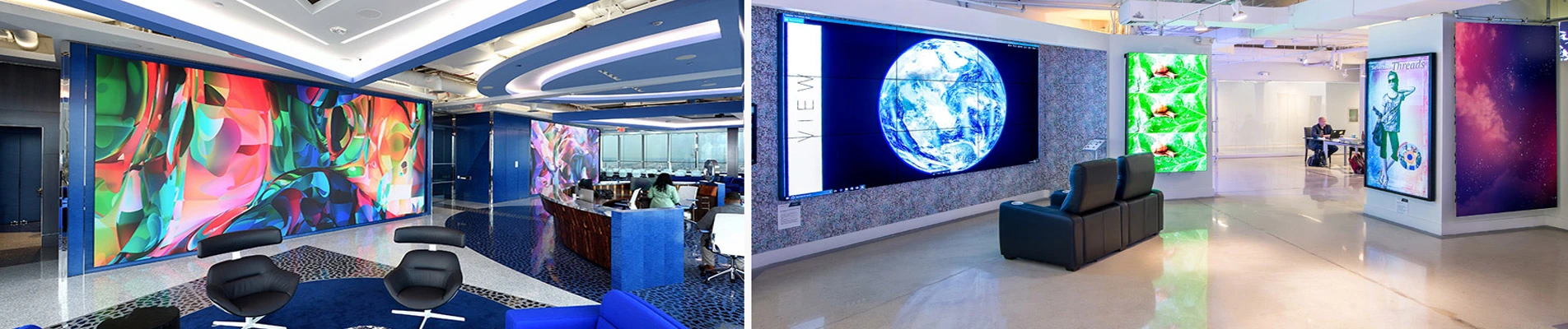
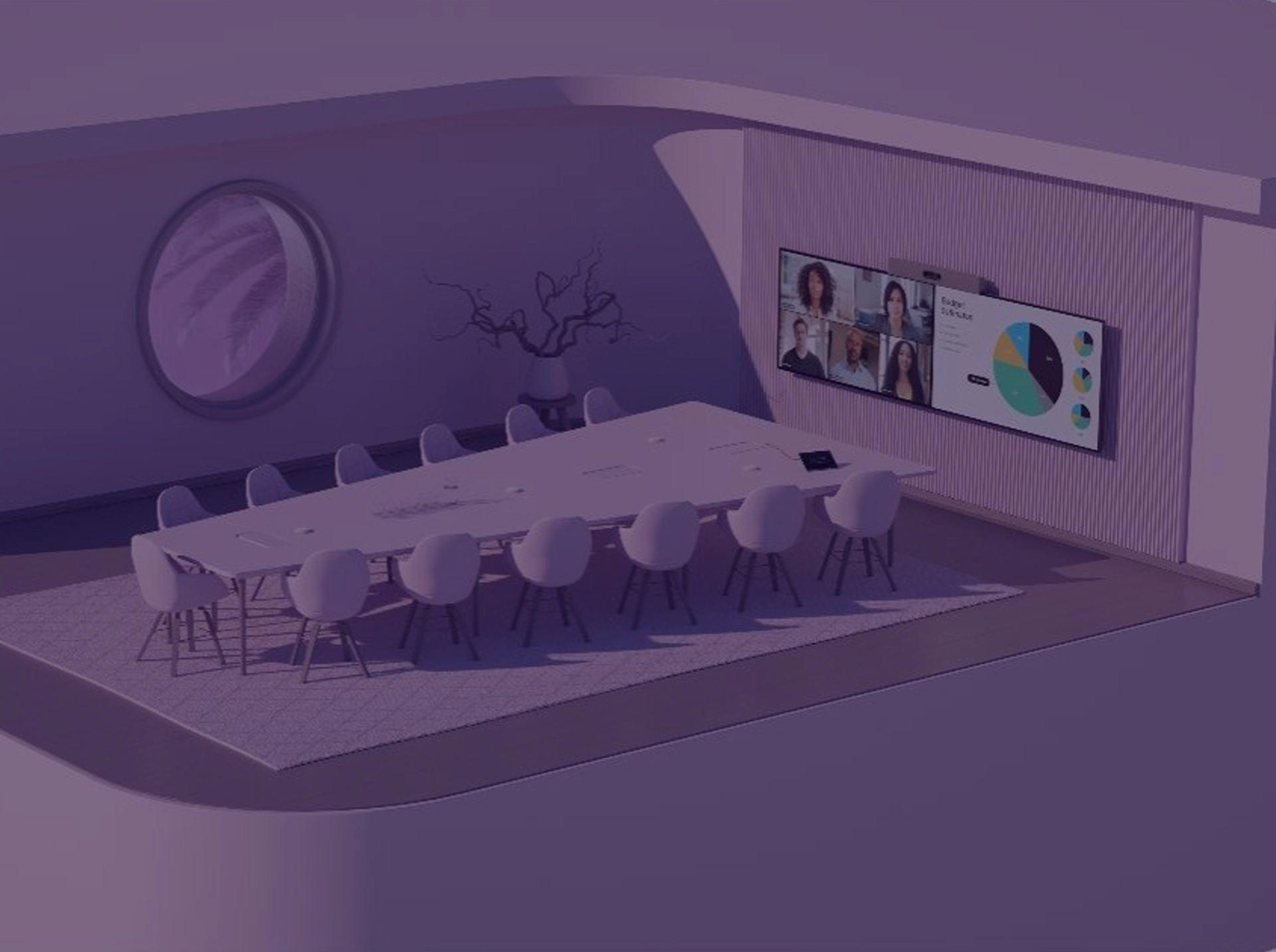
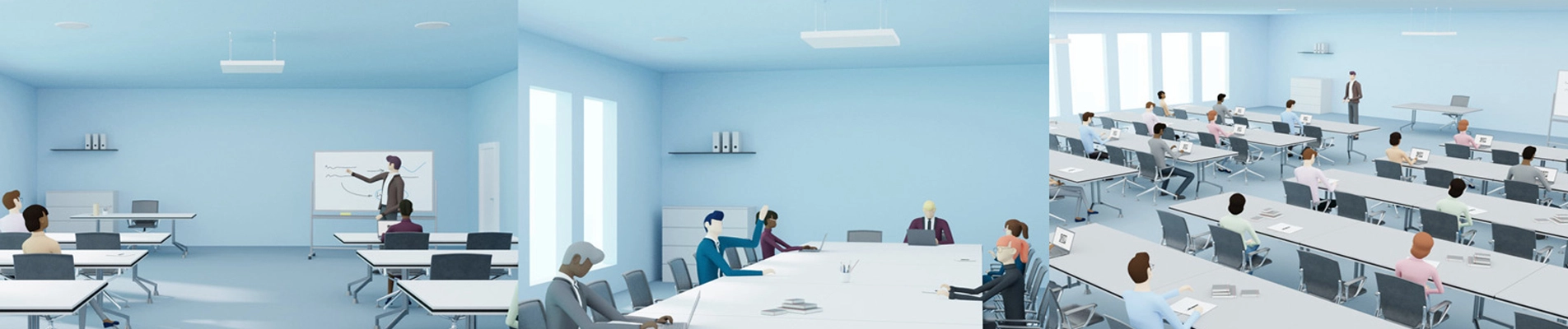
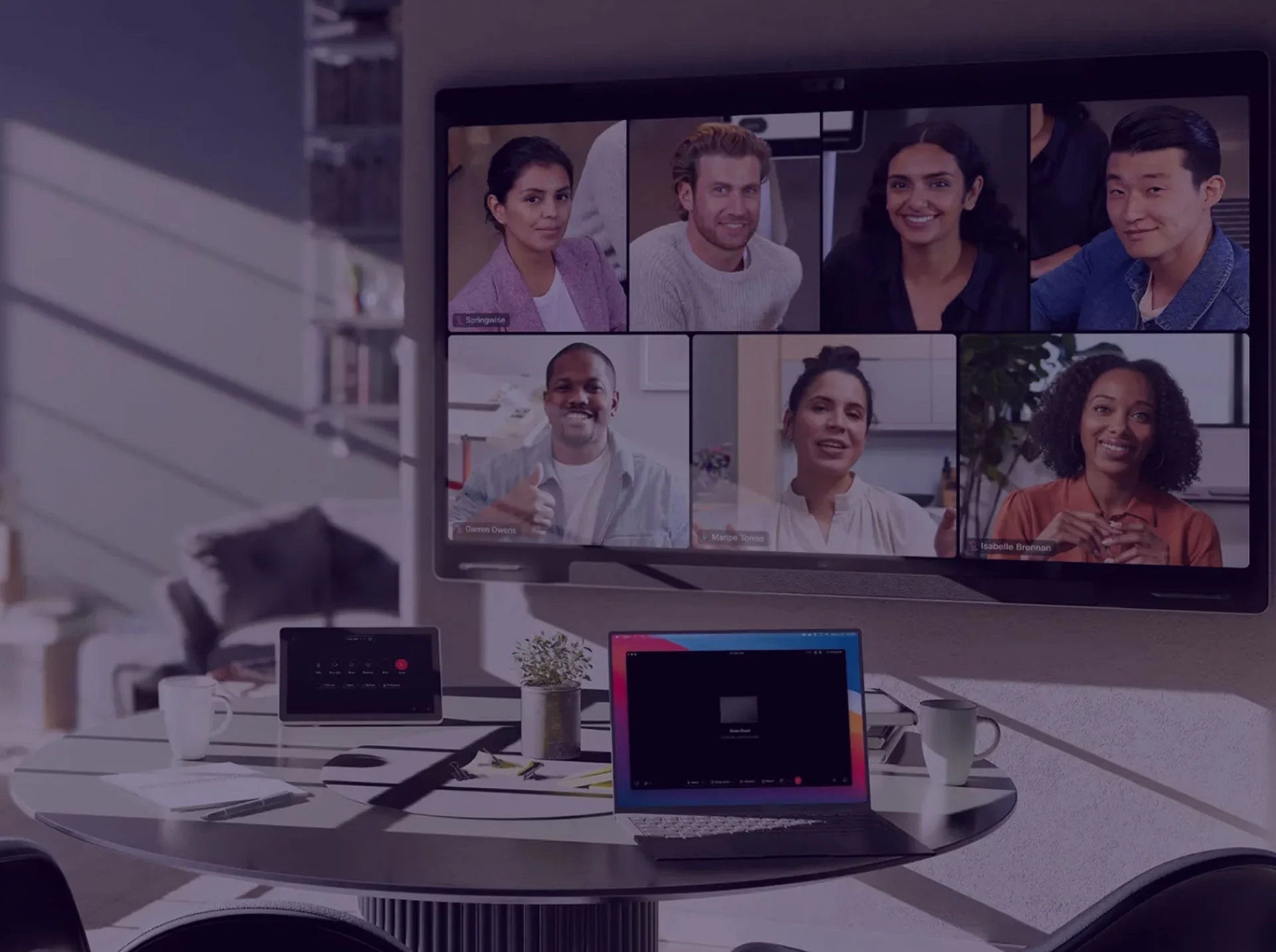
We’re a technology solutions provider, enhancing environments by creating smarter and more human-centric infrastructure. We blend technologies to improve collaboration, audio visual experiences and lighting management — in offices, residences, retail and other commercial environments.
Choose Actis for World-class Audio and Video Solutions
Actis Technologies helps organisations build a better meeting and presentation infrastructure for their teams. We apply over two decades of design and build experience to help ensure your teams achieve your strategic business objectives.
ACTIS MILESTONES50 Years of Pioneering AV Experiences in India
1971
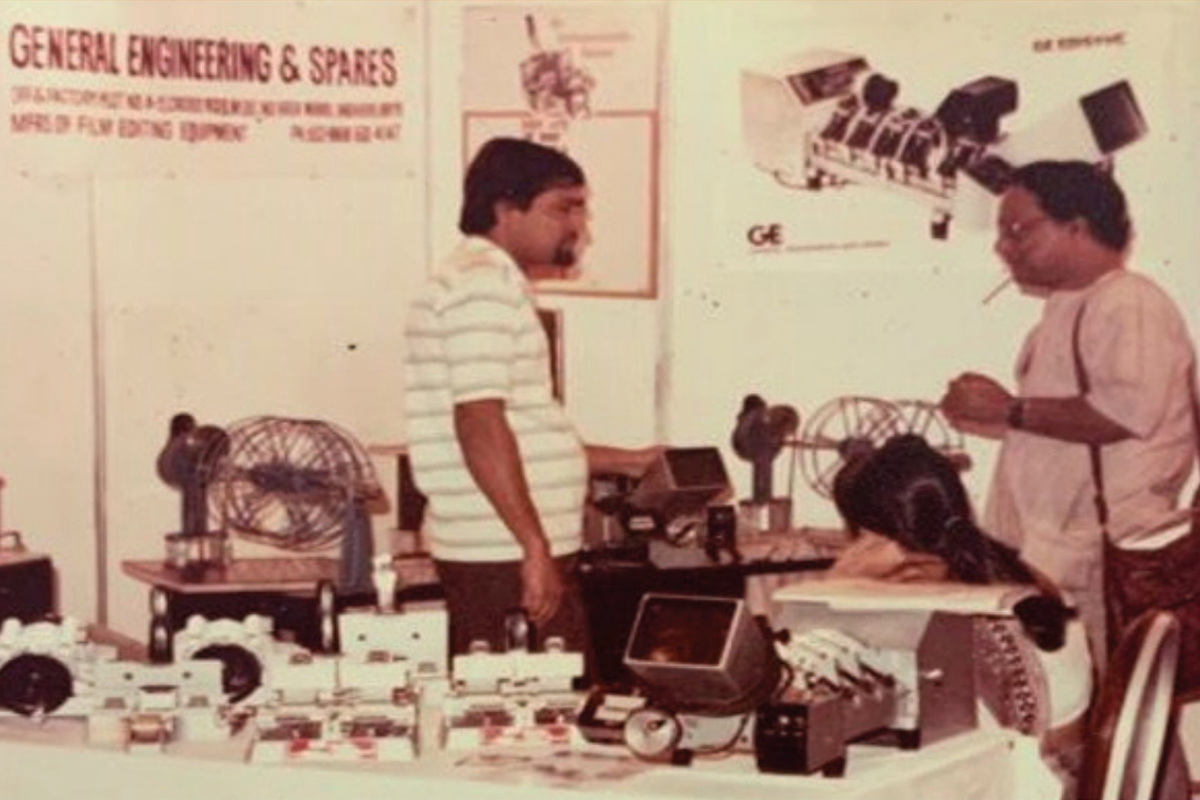
Founded and developed film editing equipment
1986
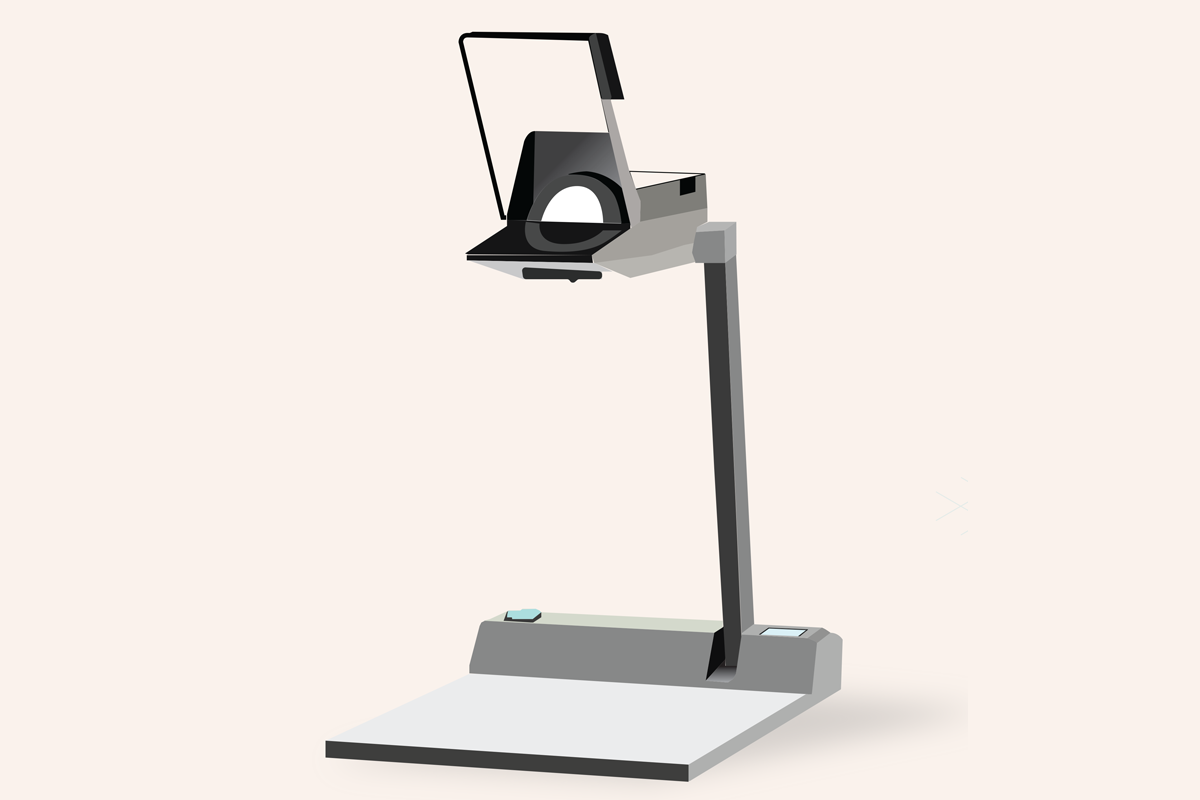
Became India’s leading OHP manufacturer
1995
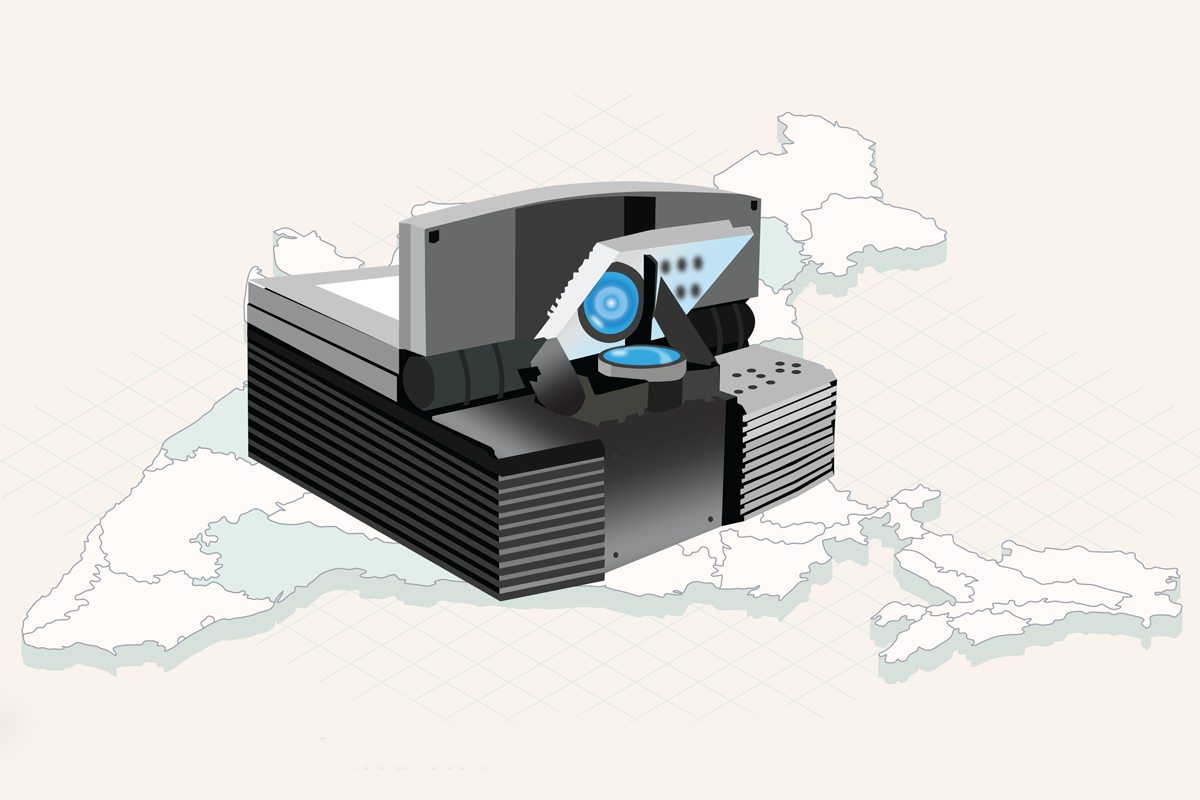
Among first to launch the multimedia projectors in India
1999
Started our AV integration practice
2016
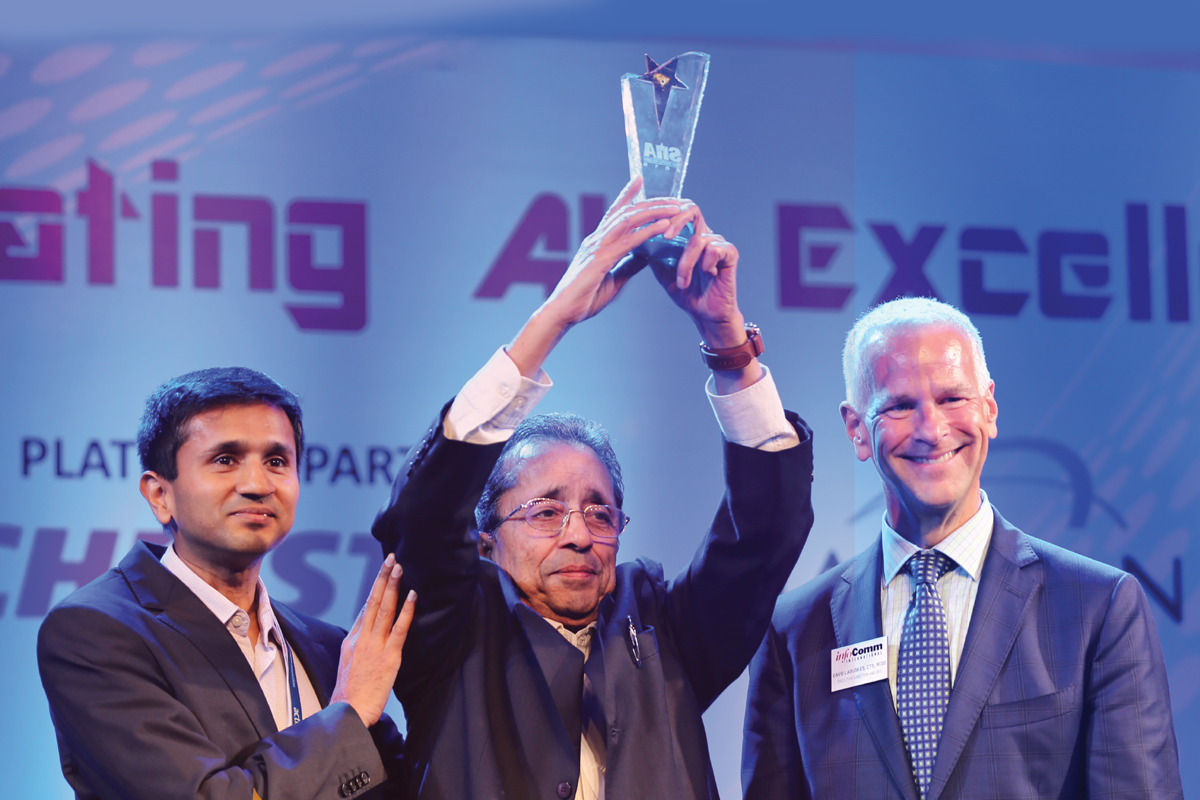
SIAA presents Lifetime Achievement Award to our founder Mr.Manmohan Gupta
We are glad to continue with Actis as our partner in building media technology solution for our office. Actis facilitated our goal to strengthen employee engagement and agility at Covestro India, while aligning workplace technology and office design.
CCIPL was moving into new location and were looking for an AV partner to setup our 3 VC rooms with complete automation, 12 meeting rooms with screens, Cafeteria/Town Hall /w VC and Board Room. ACTIS provided us with right solution as per our needs during overall project tenure.
Kudos to the Actis team in setting up two high-quality lecture halls, one at ISB Mohali campus, and the other at ISB Hyderabad campus. We are very impressed with the technical capabilities and the level of commitment displayed by Actis and would like to thank them for their outstanding work.
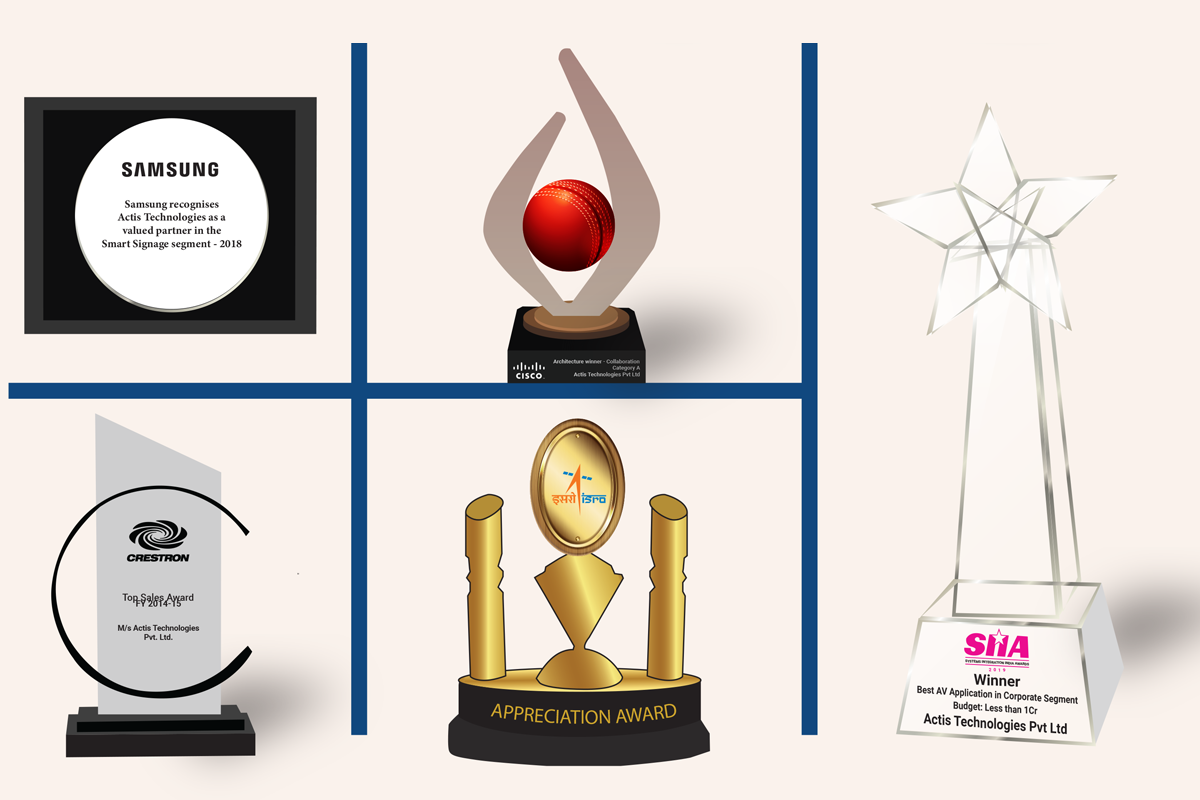
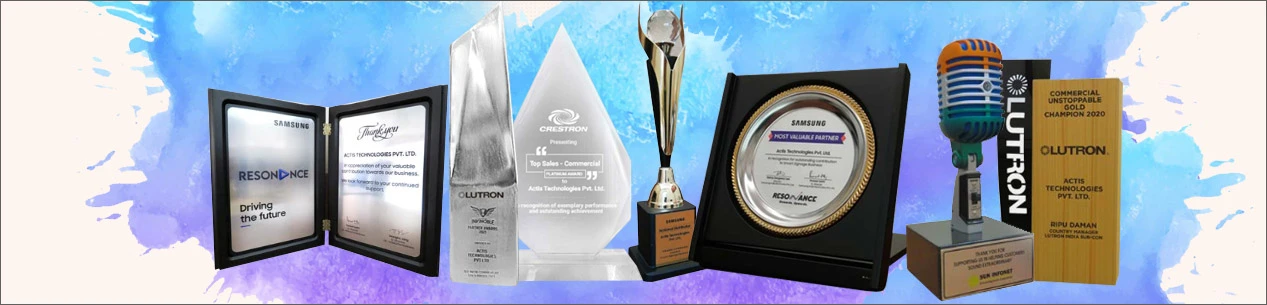
We are grateful for the recognition bestowed upon us and remain committed to upholding the standards of excellence that have earned us these accolades. These awards serve as a testament to the hard work and dedication of our team and the trust placed in us by our valued clients and partners.